How to get started
Admin Panel quick guide
-
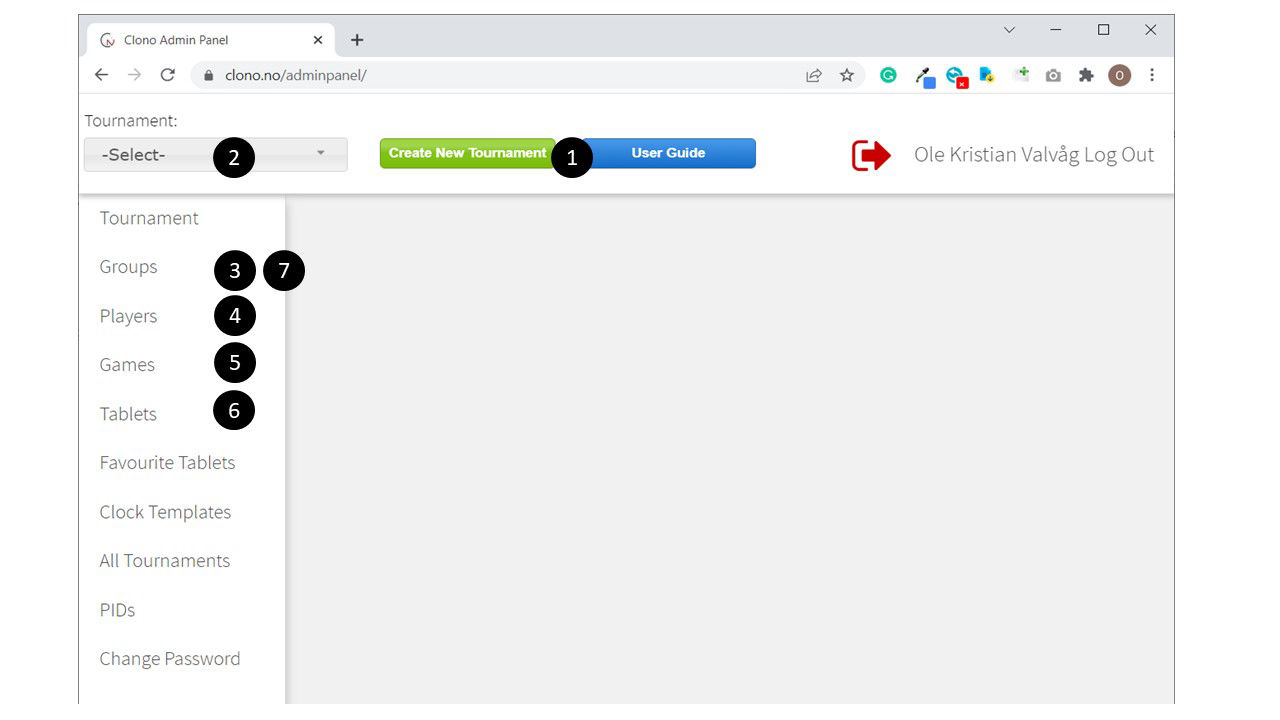
Create tournament
- Select "Create through form"
- (XML import is for import from Tournament Service pairing system)
- Select "Create/edit tournament"
- Insert tournament details in the form
- Check that app mode = Scoresheet only. This is important for ensuring the tablets displaying the FIDE approved scoresheet
- Save tournament
-
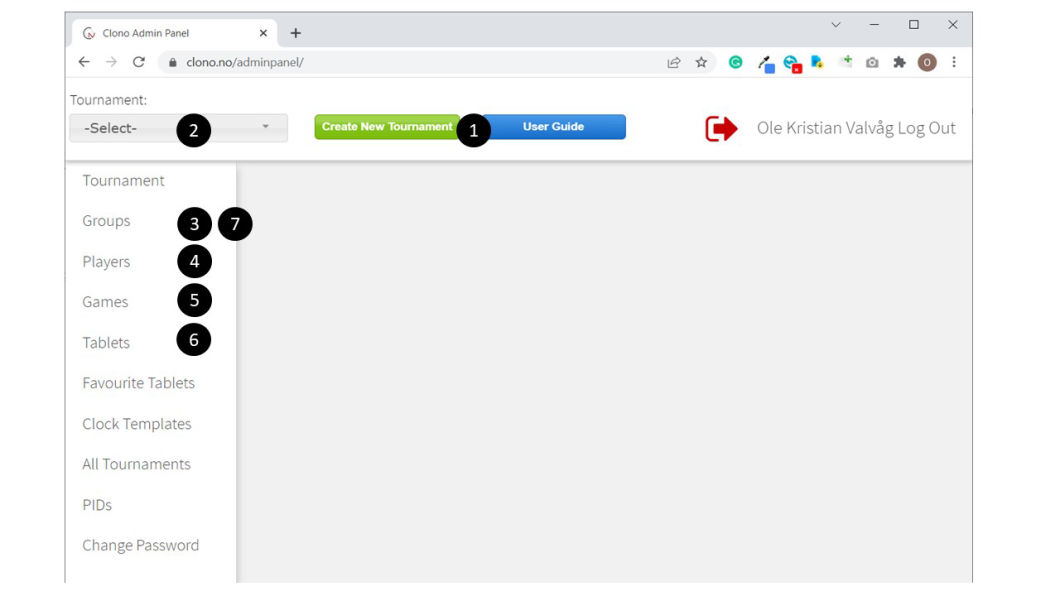
Refresh browser and make sure your tournament is selected in the drop down list
-
Create one or more groups
-
Create the players. Only name is mandatory
-
Create the games
-
Start the Clono app on the tablets and connect the tablets to the tournament using the pin code found under "Tournament".
Option: For quick connection of many tablets, you can create a single PID code in the admin panel. The PID code (permanent ID) must be inserted on your tablets, and in the admin panel the PID code can be routed to the Pin code for the tournament. The tablets will then autoconnect when the Clono app is started.
By default the tablets will be autoassigned to a table. If not, manually assign tablets to logical tables. Usually you want two tablets per table, one for each player.
-
Check that everything looks correct. Then select active round for each group
-
The games for the active round will be sent to the tablets and a table card will appear on each tablet